Codoforum related discussions
Strange orphaned input element when changing page direction to RTL

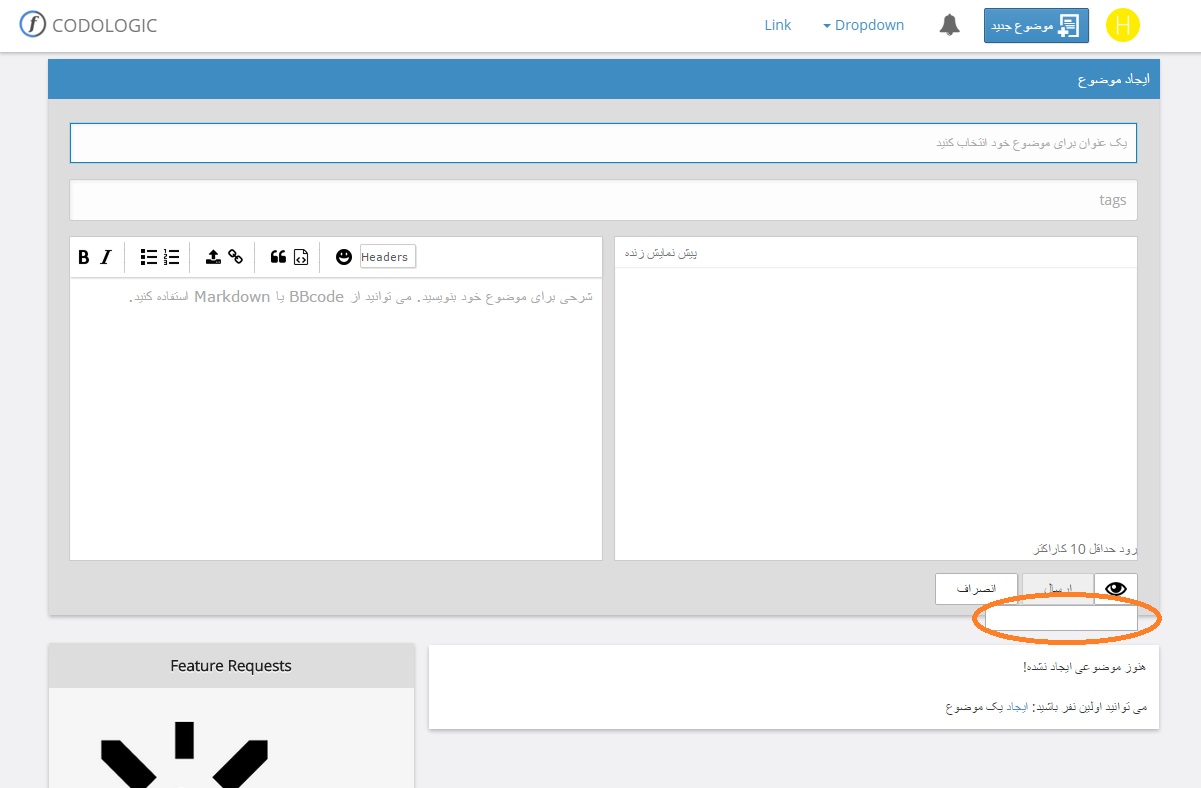
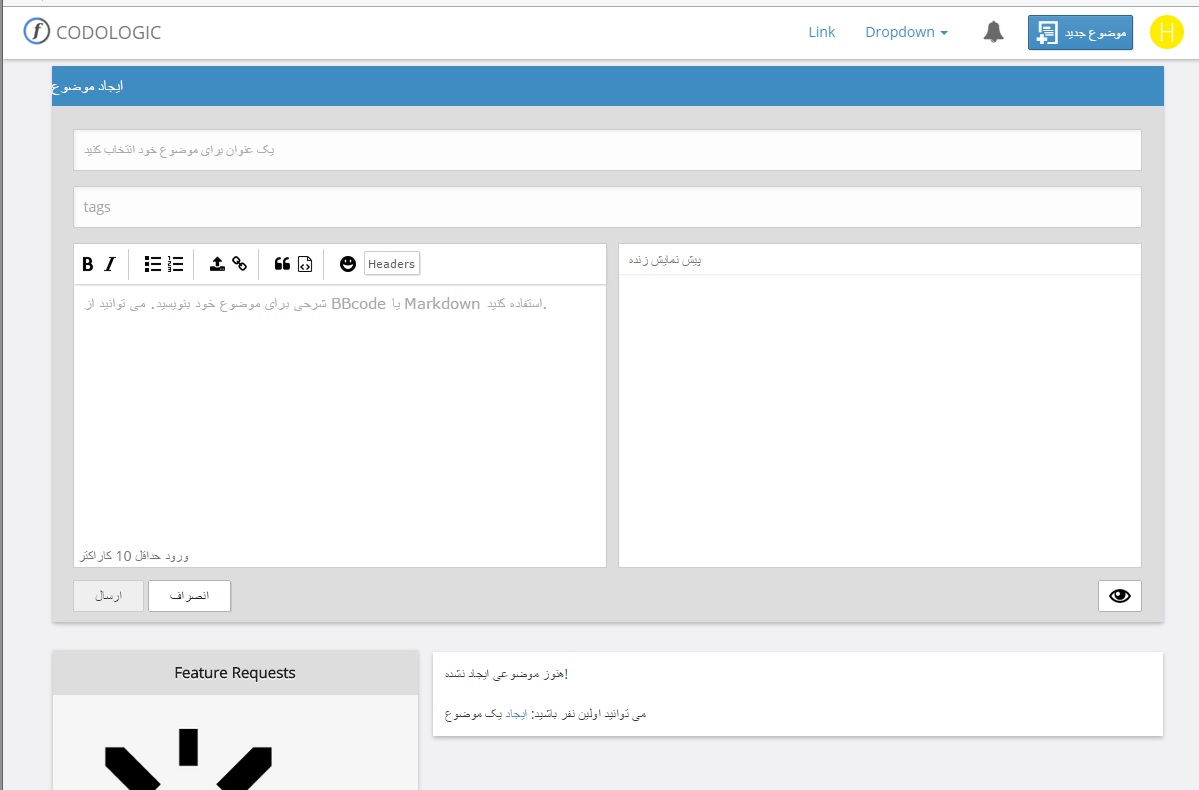
Hi, I'm trying to make Codoforum ready for Persian Language , so I need to change page direction to RTL because Persian language is a RTL language. when I use RTL attribute as global, in view of creation of new topic UI (Create Topic) a Strange orphaned input element will appear. you can see it in comparison:

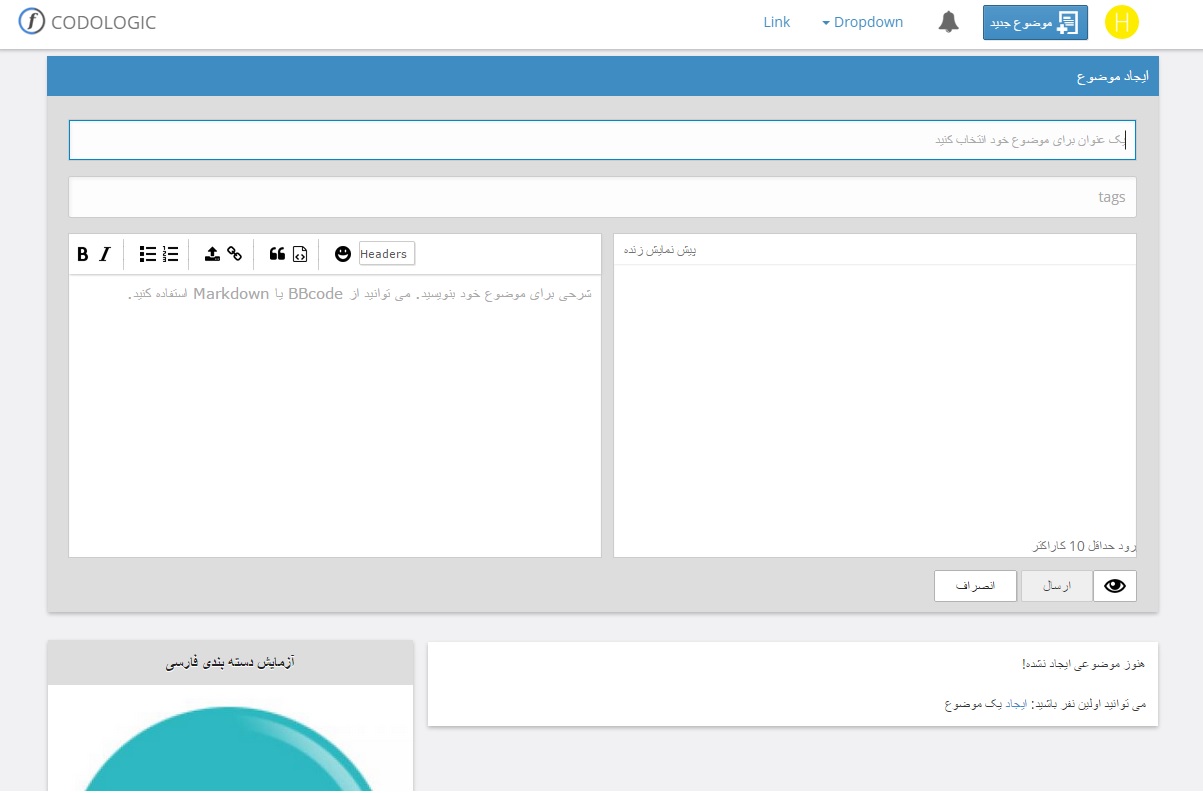
1 . When using no RTL :
54a8f25c09236.jpg

2 . When using RTL :
54a8f2ac075c0.jpg

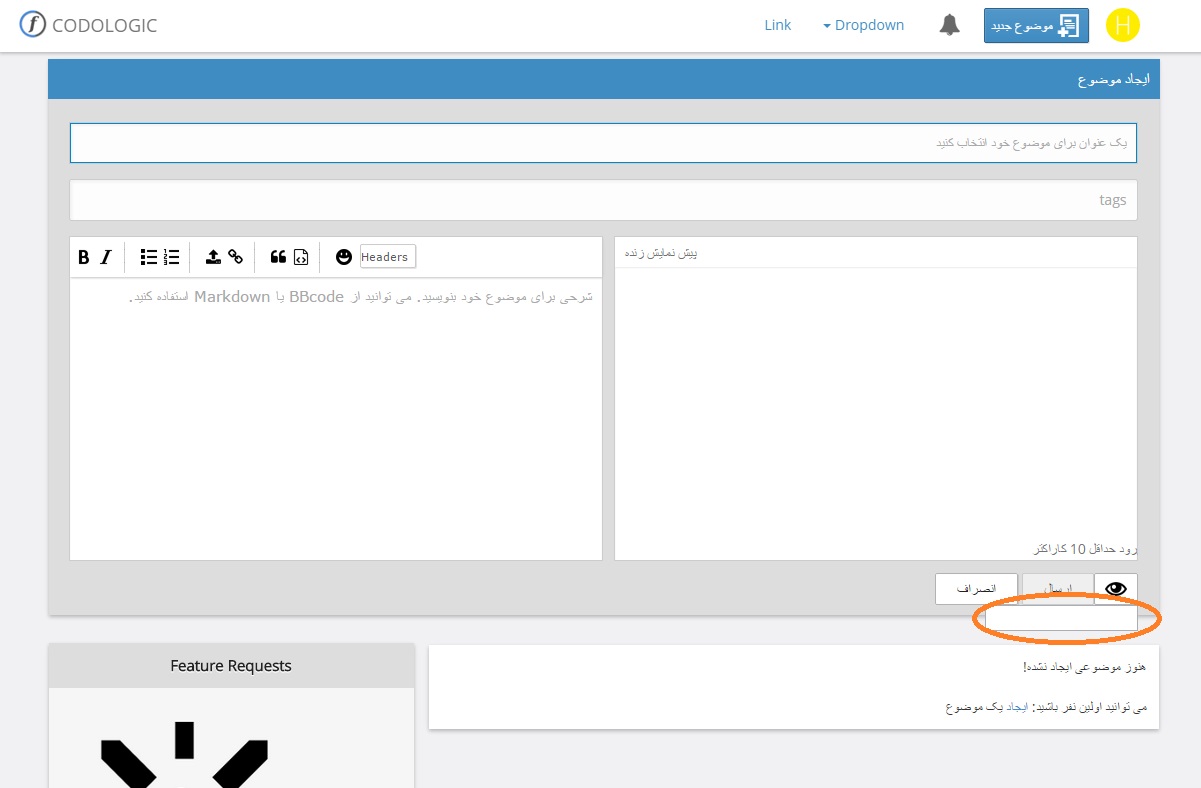
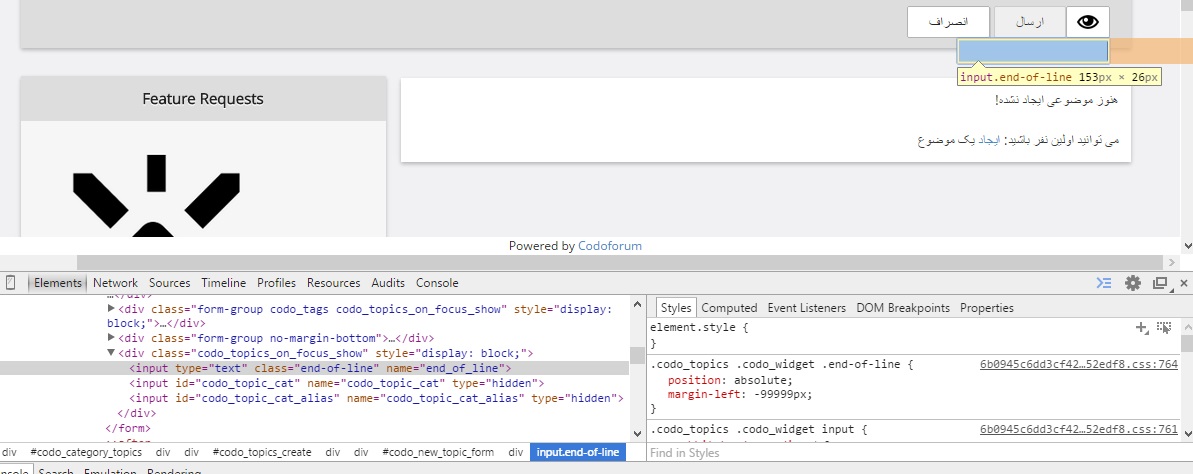
I have marked it in the picture, so for more details, I made another screenshot from element details:
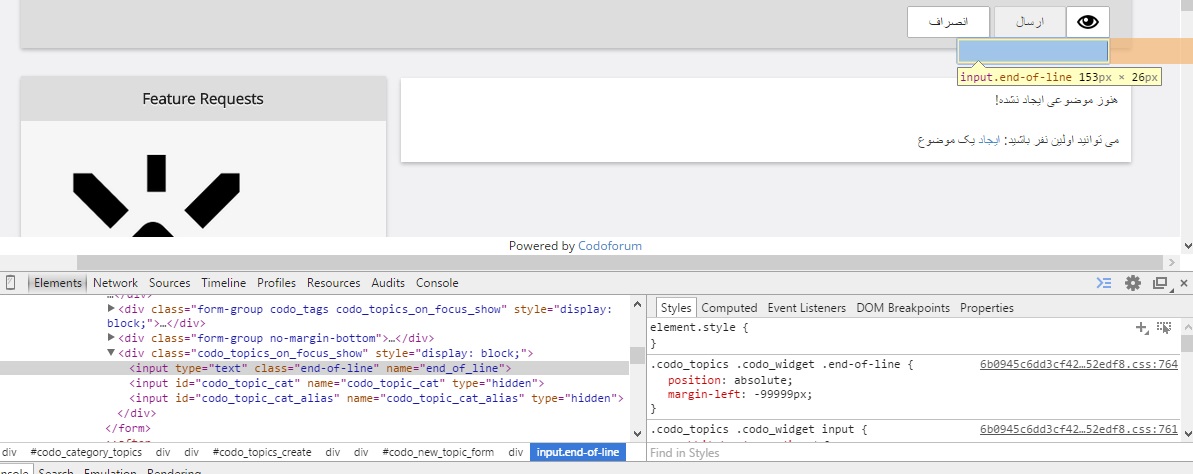
54a8f3816f42e.jpg

Browser: Opera beta 27.0

I can hide it using CSS, But I want to know what is it ? is it safe to hide it using

someStyle{display:none}

or what ?

Hi, I'm trying to make Codoforum ready for Persian Language , so I need to change page direction to RTL because Persian language is a RTL language. when I use RTL attribute as global, in view of creation of new topic UI (Create Topic) a Strange orphaned input element will appear. you can see it in comparison: 1 . When using no RTL : ![54a8f25c09236.jpg](serve/attachment&path=54a8f25c09236.jpg) 2 . When using RTL : ![54a8f2ac075c0.jpg](serve/attachment&path=54a8f2ac075c0.jpg) I have marked it in the picture, so for more details, I made another screenshot from element details: ![54a8f3816f42e.jpg](serve/attachment&path=54a8f3816f42e.jpg) Browser: Opera beta 27.0 I can hide it using CSS, But I want to know what is it ? is it safe to hide it using ```` someStyle{display:none} ```` or what ?
edited Jan 4 '15 at 8:21 am

Hi,

We never tested RTL because we are not familiar with the language.

The strange input that you are seeing is a honeypot method that is used to prevent spamming.
It was hidden using css but became visible due to rtl.

You can hide it by making the following change:

Open sites/default/themes/default/less/general.less

And replace

.end-of-line {
    position: absolute;
    margin-left: -99999px;
}

with

.end-of-line {
  border: 0;
  clip: rect(0 0 0 0); 
  height: 1px; 
  margin: -1px;
  overflow: hidden; 
  padding: 0; 
  position: absolute;
  width: 1px;
}

Can you have some more tests and see if you can find any other problems ?

Hi, We never tested RTL because we are not familiar with the language. The strange input that you are seeing is a honeypot method that is used to prevent spamming. It was hidden using css but became visible due to rtl. You can hide it by making the following change: Open sites/default/themes/default/less/general.less And replace ``` .end-of-line { position: absolute; margin-left: -99999px; } ``` with ``` .end-of-line { border: 0; clip: rect(0 0 0 0); height: 1px; margin: -1px; overflow: hidden; padding: 0; position: absolute; width: 1px; } ``` Can you have some more tests and see if you can find any other problems ?

I'm using a custom RTL theme , a copy of default blue theme and added your css to the custom.less file:

.end-of-line {
  border: 0;
  clip: rect(0 0 0 0); 
  height: 1px; 
  margin: -1px;
  overflow: hidden; 
  padding: 0; 
  position: absolute;
  width: 1px;
}

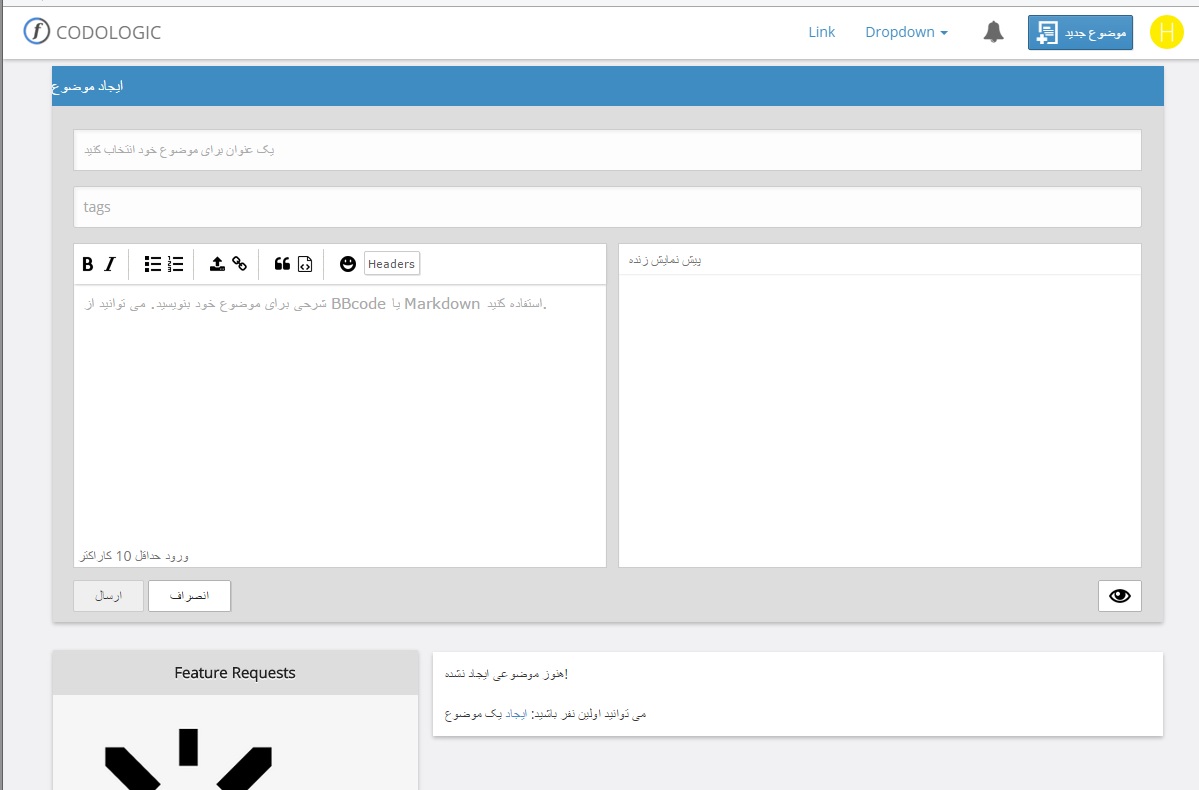
and wow ! no more orphaned input, so as I understood, it should not be {display:none} . it is the result:
54a8ff492d4f4.jpg

thank you

I'm using a custom RTL theme , a copy of default blue theme and added your css to the custom.less file: ```` .end-of-line { border: 0; clip: rect(0 0 0 0); height: 1px; margin: -1px; overflow: hidden; padding: 0; position: absolute; width: 1px; } ```` and wow ! no more orphaned input, so as I understood, it should not be {display:none} . it is the result: ![54a8ff492d4f4.jpg](serve/attachment&path=54a8ff492d4f4.jpg) thank you
214
2
2
live preview
enter atleast 10 characters
WARNING: You mentioned %MENTIONS%, but they cannot see this message and will not be notified
Saving...
Saved
With selected deselect posts show selected posts
All posts under this topic will be deleted ?
Pending draft ... Click to resume editing
Discard draft