Codoforum related discussions
Can't upload files to forum [SOLVED]

Hi codoforum gurus!

Yesterday I successfully installed version 3.4-Beta and upgraded it to 3.5.1. So far, so good.

My server OS, Apache and PHP versions are: Ubuntu 12.04 with Apache v2.4.16 and PHP 5.6.20

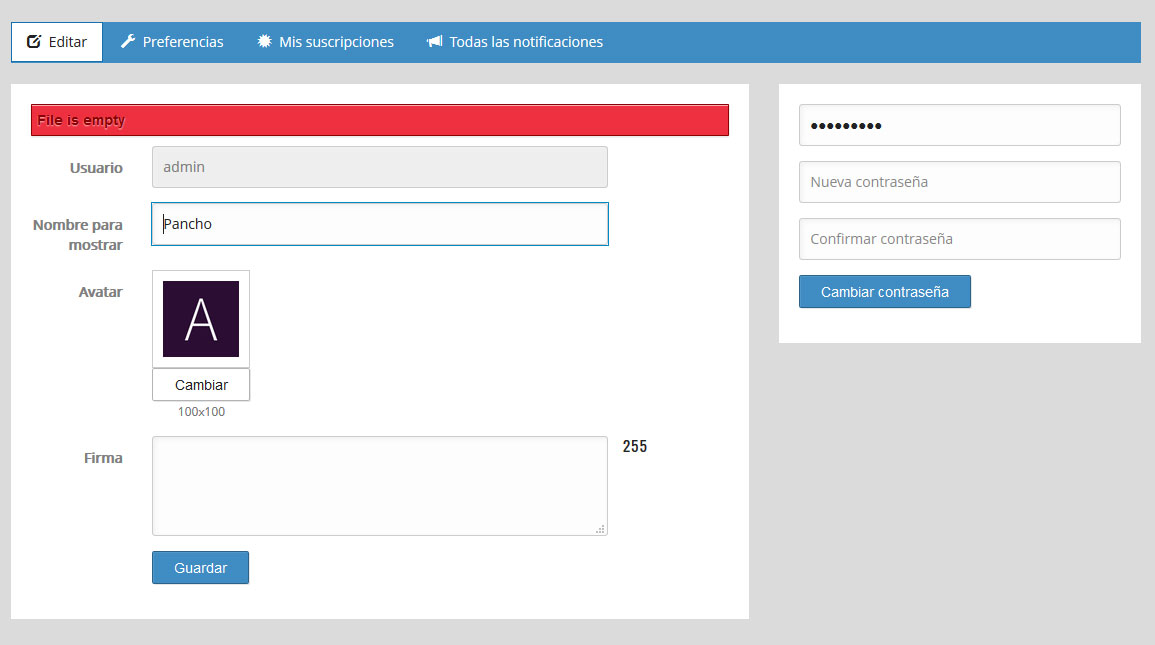
The only problem I'm experiencing is about uploading files. First I notice I was not able to change my avatar, the error given was "File is empty"
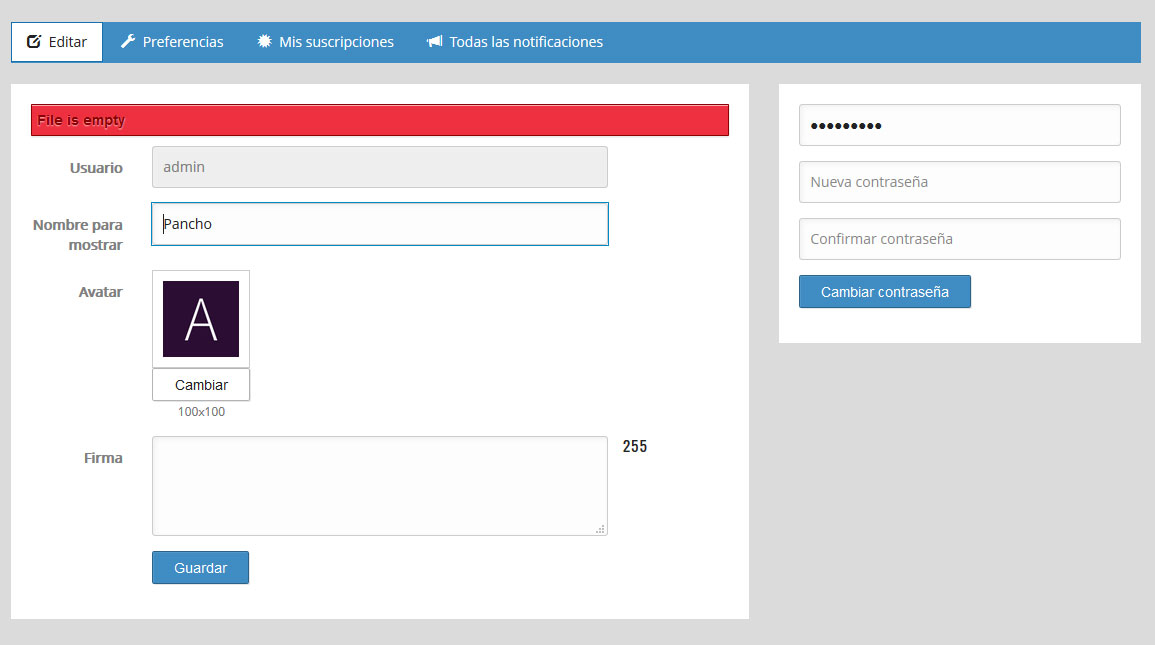
57018fade03eb.jpg

The next error about uploading comes when I try to do it while writing a post. No error is given, image (or file) just won't upload to the server and no code is written in the post body.

I thought the problem could be directory's permissions but they seems to be ok

# ll
total 28K
drwxrwxr-x 8 www-data www-data 4.0K Apr  2 19:28 ..
drwxrwxr-x 2 www-data www-data 4.0K Apr  2 19:28 attachments
drwxrwxr-x 2 www-data www-data 4.0K Apr  2 19:28 general
drwxrwxr-x 7 www-data www-data 4.0K Apr  2 19:28 .
drwxrwxr-x 2 www-data www-data 4.0K Apr  2 19:28 smileys
drwxrwxr-x 3 www-data www-data 4.0K Apr  2 19:28 cats
drwxrwxr-x 4 www-data www-data 4.0K Apr  3 17:19 profiles

So now I'm pretty lost.

Can you help me?

Hi codoforum gurus! Yesterday I successfully installed version 3.4-Beta and upgraded it to 3.5.1. So far, so good. **My server OS, Apache and PHP versions are: Ubuntu 12.04 with Apache v2.4.16 and PHP 5.6.20** The only problem I'm experiencing is about uploading files. First I notice I was not able to change my avatar, the error given was "File is empty" ![57018fade03eb.jpg](serve/attachment&path=57018fade03eb.jpg) The next error about uploading comes when I try to do it while writing a post. No error is given, image (or file) just won't upload to the server and no code is written in the post body. I thought the problem could be directory's permissions but they seems to be ok ```` # ll total 28K drwxrwxr-x 8 www-data www-data 4.0K Apr 2 19:28 .. drwxrwxr-x 2 www-data www-data 4.0K Apr 2 19:28 attachments drwxrwxr-x 2 www-data www-data 4.0K Apr 2 19:28 general drwxrwxr-x 7 www-data www-data 4.0K Apr 2 19:28 . drwxrwxr-x 2 www-data www-data 4.0K Apr 2 19:28 smileys drwxrwxr-x 3 www-data www-data 4.0K Apr 2 19:28 cats drwxrwxr-x 4 www-data www-data 4.0K Apr 3 17:19 profiles ```` So now I'm pretty lost. Can you help me?
edited Apr 7 '16 at 2:13 am

No one?

I need to fix this and I'm trying to see the code but I can't understand exactly what is going on.

BTW I'm not a developer and my coding skills are limited.

Do you recommend migrating to another software while I have just a few posts?

No one? I need to fix this and I'm trying to see the code but I can't understand exactly what is going on. BTW I'm not a developer and my coding skills are limited. Do you recommend migrating to another software while I have just a few posts?

@Panchux it might be a bug introduced in latest version, new version coming Sunday hopefully...

@Panchux it might be a bug introduced in latest version, new version coming Sunday hopefully...

Given up on Codoforum :(

edited Apr 6 '16 at 1:43 pm

@hard_as_snails Thank you for your post

Is there any way to downgrade to the previous version?

@hard_as_snails Thank you for your post Is there any way to downgrade to the previous version?

This problem was NOT generated by a bug but a PHP misconfiguration.

I updated from PHP 5.3 to 5.6.20 and it seems not all the lines in the php.ini file have the same effects in both versions of PHP.

I changed

post_max_size = 8M

to

post_max_size = 0

And uploads were fixed.

Take into account that there are 3 php.ini files: CLI, CGI and the apache's file. The one you want to change is the one used by Apache which is in /etc/php5/apache2/ directory

Thank you!

This problem was NOT generated by a bug but a PHP misconfiguration. I updated from PHP 5.3 to 5.6.20 and it seems not all the lines in the php.ini file have the same effects in both versions of PHP. I changed ```` post_max_size = 8M ```` to ```` post_max_size = 0 ```` And uploads were fixed. Take into account that there are 3 php.ini files: CLI, CGI and the apache's file. The one you want to change is the one used by Apache which is in /etc/php5/apache2/ directory Thank you!
edited Apr 7 '16 at 2:16 am
397
4
1
live preview
enter atleast 10 characters
WARNING: You mentioned %MENTIONS%, but they cannot see this message and will not be notified
Saving...
Saved
With selected deselect posts show selected posts
All posts under this topic will be deleted ?
Pending draft ... Click to resume editing
Discard draft